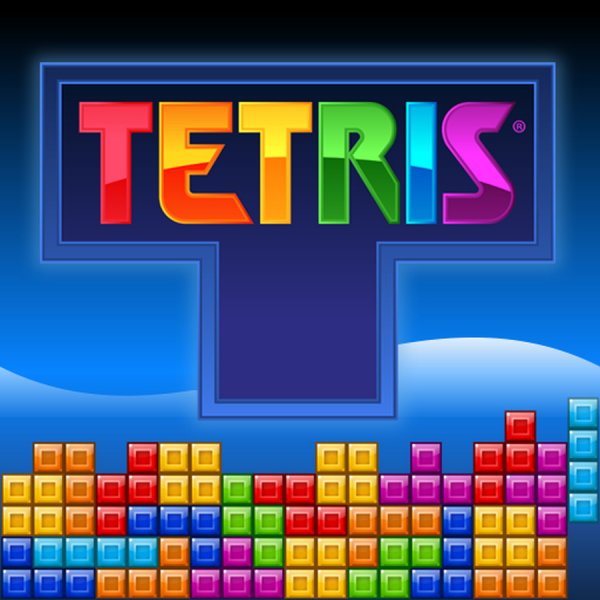
Classic Block Puzzle
Reviews
Classic Block Puzzle delivers the timeless block-stacking challenge in a clean, browser-based format. The controls are responsive, and the increasing speed keeps the game engaging. It is an excellent tool for improving spatial awareness and quick decision-making. The lack of distracting elements makes it perfect for focused play sessions. A reliable choice for puzzle enthusiasts and casual players alike.
About this game
Game Introduction
Classic Block Puzzle brings the timeless block-stacking experience to your browser. In this puzzle game, block shapes of various forms fall from the top of the screen. Your goal is to rotate and position them to form solid horizontal lines. Each completed line disappears, earning points and creating more space. As the game progresses, the blocks fall faster, testing your reflexes and strategic planning. Suitable for all ages, this puzzle game improves concentration and problem-solving skills while providing a satisfying challenge.
How to Play
Use the left and right arrow keys to move the falling blocks. Press the up arrow key to rotate them. Hold the down arrow key to speed up the descent, or press Shift plus the up arrow key for an instant drop. Arrange the blocks to fill complete rows without gaps. Cleared lines vanish, and the game continues. The game ends when blocks stack to the top of the playfield. Practice to improve your speed and accuracy.
Game Features
Classic puzzle gameplay with increasing difficulty. Simple controls for quick learning. Endless replayability with no time limits. Improves spatial reasoning and hand-eye coordination. Suitable for all ages and skill levels.
Tips for Success
Focus on clearing multiple lines at once for higher scores. Keep the stack low and even to avoid gaps. Learn to use the drop feature efficiently for precise placement. Practice recognizing block shapes quickly to make faster decisions. Take breaks to maintain concentration during longer sessions.







Comments
0 comments