Preparation Flow
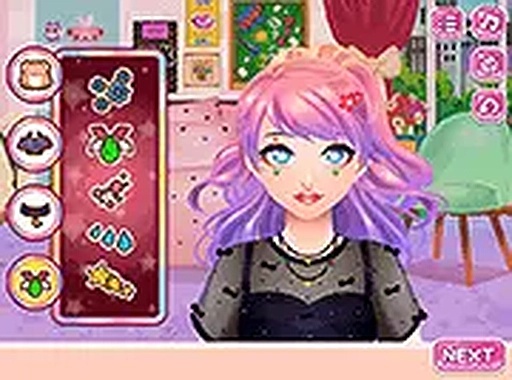
Players begin by tending to the character's facial skin using on-screen tools to remove impurities. This initial step sets the stage for a detailed makeover sequence. After cleansing, virtual tools for concealer and foundation become available, allowing players to apply a base layer. The process is guided with clear instructions at each stage, making it easy to follow along without prior experience.
Outfit & Accessory Selection
Once the makeup is complete, the focus shifts to wardrobe choices. Players can browse through various dresses, hairstyles, and accessories to assemble a complete look. Each selection changes the character's appearance, and the interface provides a preview before finalizing. This stage encourages experimentation with different combinations to achieve a desired style.
Room Decoration Phase
Before going live, players have the opportunity to decorate the character's living space. Furniture and decorative items can be placed using simple click-and-drag controls. The room layout responds to each addition, creating a personalized environment. This step adds a layer of creativity beyond the character's appearance, allowing for unique setups.
Live Stream & Viewer Feedback
After all preparations are complete, players can initiate a live stream by clicking a button. During the broadcast, virtual viewers react through emoticons that appear on screen. These reactions provide immediate feedback on the choices made during the makeover and decoration process. The system rewards attention to detail and creative combinations, as different setups may elicit varied responses.
Accessibility & Design Philosophy
The game is built around a family-friendly approach, with no competitive elements or time pressure. Players are free to take as long as they need at each stage. The intuitive interface and step-by-step guidance make it suitable for players of all ages. The focus remains on creative expression and personal style rather than speed or performance.






Comments
0 comments